Currency
Language
 |
Bookmark_Template |
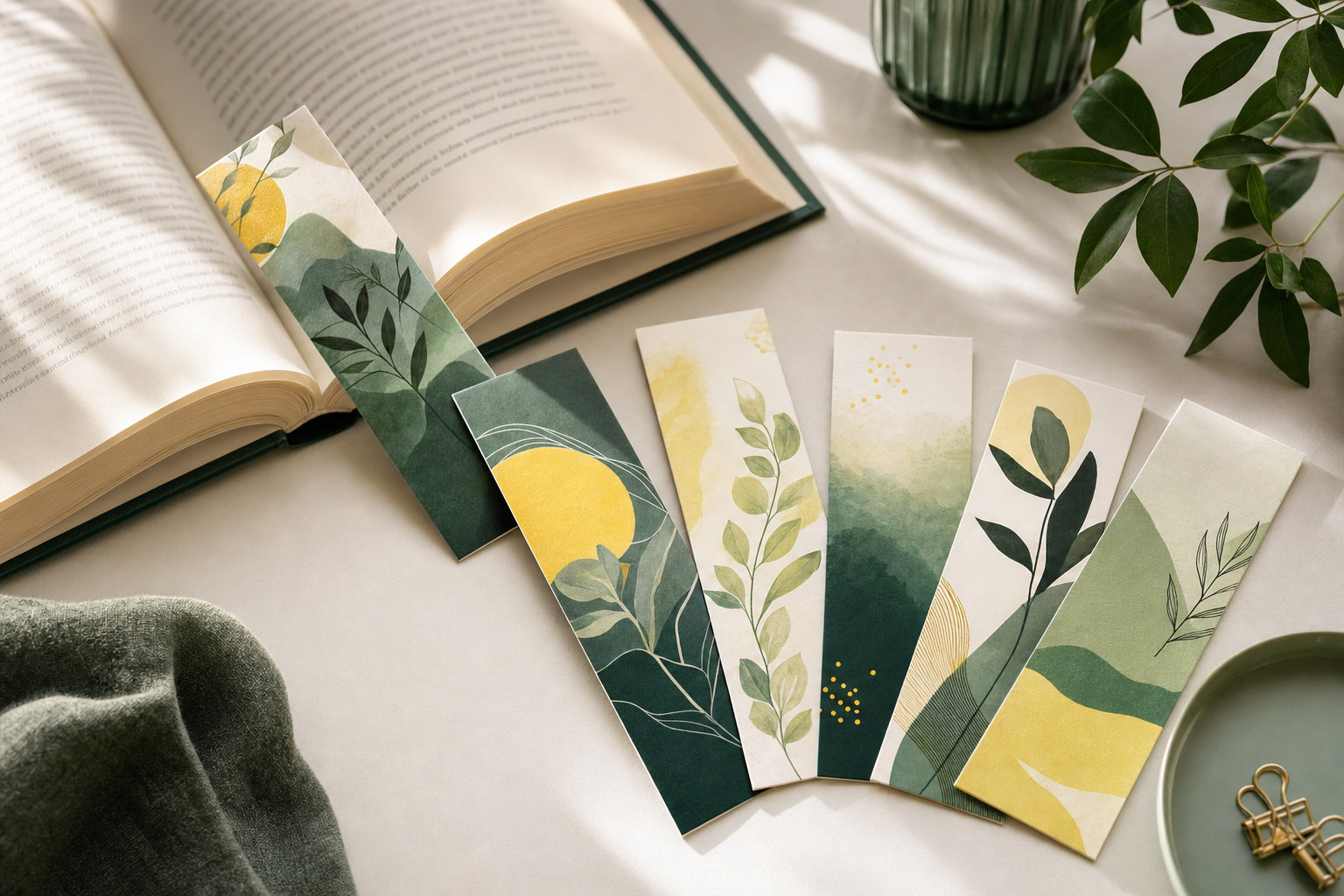
A bookmark is one of the few promotional pieces people actually keep and use every day. Printed on thick, durable cardstock in the classic 2" x 6" format, our custom bookmarks hold up to months of page-flipping while keeping your artwork, brand, or message in plain view. Full-colour printing on both sides means you get two surfaces to work with, perfect for pairing a beautiful illustration with a reading list, quote, or call to action.
First Press prints bookmarks for authors, publishers, libraries, schools, bookstores, and businesses across Montreal and beyond. From a small author signing run to a library system order in the tens of thousands, every bookmark gets the same crisp colour and clean trim.
Bookmarks shine as author and book launch promotions, library reading program rewards, bookstore checkout giveaways, school literacy campaign materials, church and nonprofit keepsakes, museum and gallery gift shop items, wedding and memorial favours, and compact loyalty cards for cafes and shops. Because they slip naturally into a book, they keep working long after most flyers hit the recycling bin.
Heavier stock is the single biggest quality cue on a bookmark, since it gets handled constantly. A 14pt or 16pt cardstock gives the rigidity readers expect. For finishes, gloss or UV coating makes cover art and photography pop, while a matte or soft-touch lamination feels more refined and resists fingerprints. If you want readers to jot notes or mark dates on the back, leave that side uncoated, because pens will not write reliably over UV coating.
Rounded corners are a small upgrade that makes a big difference on bookmarks, preventing dog-eared corners and giving the piece a polished, finished feel. Set up your file at 2" x 6" plus 0.125" bleed on every side, in CMYK at 300 dpi, and keep important text at least 0.125" from the trim edge. Our downloadable template has all the guides in place.
Because bookmarks are small, they gang up efficiently on press, and unit prices drop quickly at higher quantities. If you are promoting a book series or stocking multiple branches, a larger single run almost always beats several small reorders. Orders over $200 ship free by ground across Canada.
If you need several versions, for example one per book title or per library branch, contact our team for a custom quote. We can often gang multiple designs together to keep your cost down.
Rounded corners are available as a finishing option, and we provide a dedicated rounded-corner template. For drilled holes, tassels, or ribbons, request a custom quote and we will set it up.
A laminated finish, either gloss, matte, or soft touch, offers the best protection against wear, moisture, and fingerprints, which matters for an item that lives inside a book for months.
Always supply a print-ready PDF with at least 1/8 inch (0.125 in) of bleed on every side and crop marks included, built in CMYK. Keep important text and logos at least 1/8 inch inside the trim line so nothing is cut off. If you are not sure how to export it that way, our file preparation guide walks through the exact settings for Canva, Illustrator, Photoshop, InDesign, and Word. Prefer to design it yourself? Use the personalization option in the upload section to build your artwork right on the page before you order.
Printing both sides? Upload a single PDF with two pages, page one for the front and page two for the back, both the same size with 1/8 inch bleed and crop marks, rather than two separate files. You can merge two pages into one PDF for free with Adobe Acrobat online.
| Dimensions | 2x6x0.14 |
|---|